

Sign in
Open the dashboard, sign in, and reset a forgotten password.
Sign in to the dashboard to run your stores. If you forget your password, you can reset it from the sign-in page.
Open the dashboard
- Open
https://order.elroys.dev/adminin a web browser. - Wait until the
Emailbox shows.
If you are already signed in, the dashboard home opens instead.
Sign in
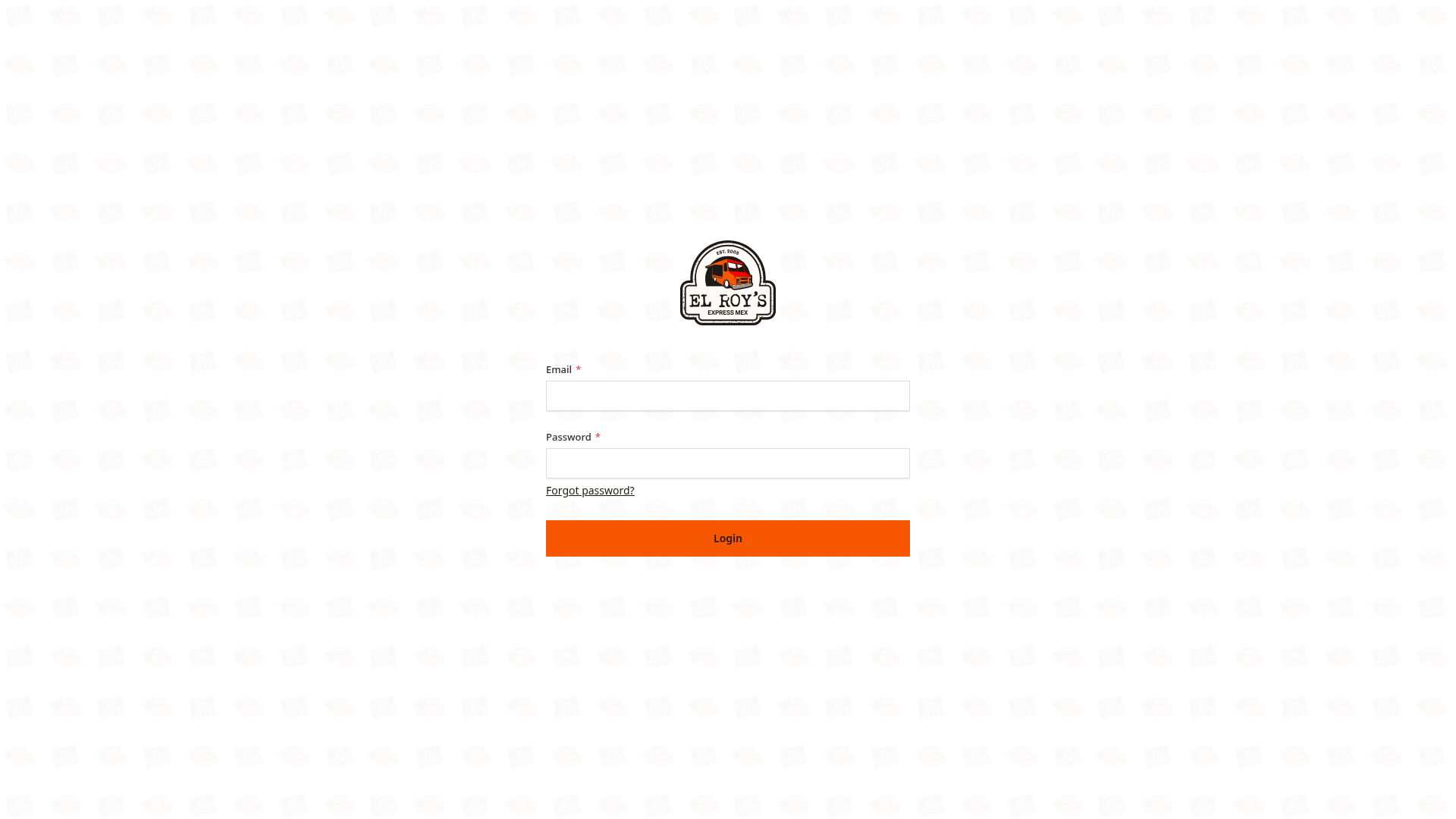
- Type your email address in
Email. - Type your password in
Password. - Click
Login.
The dashboard home opens.
Reset your password
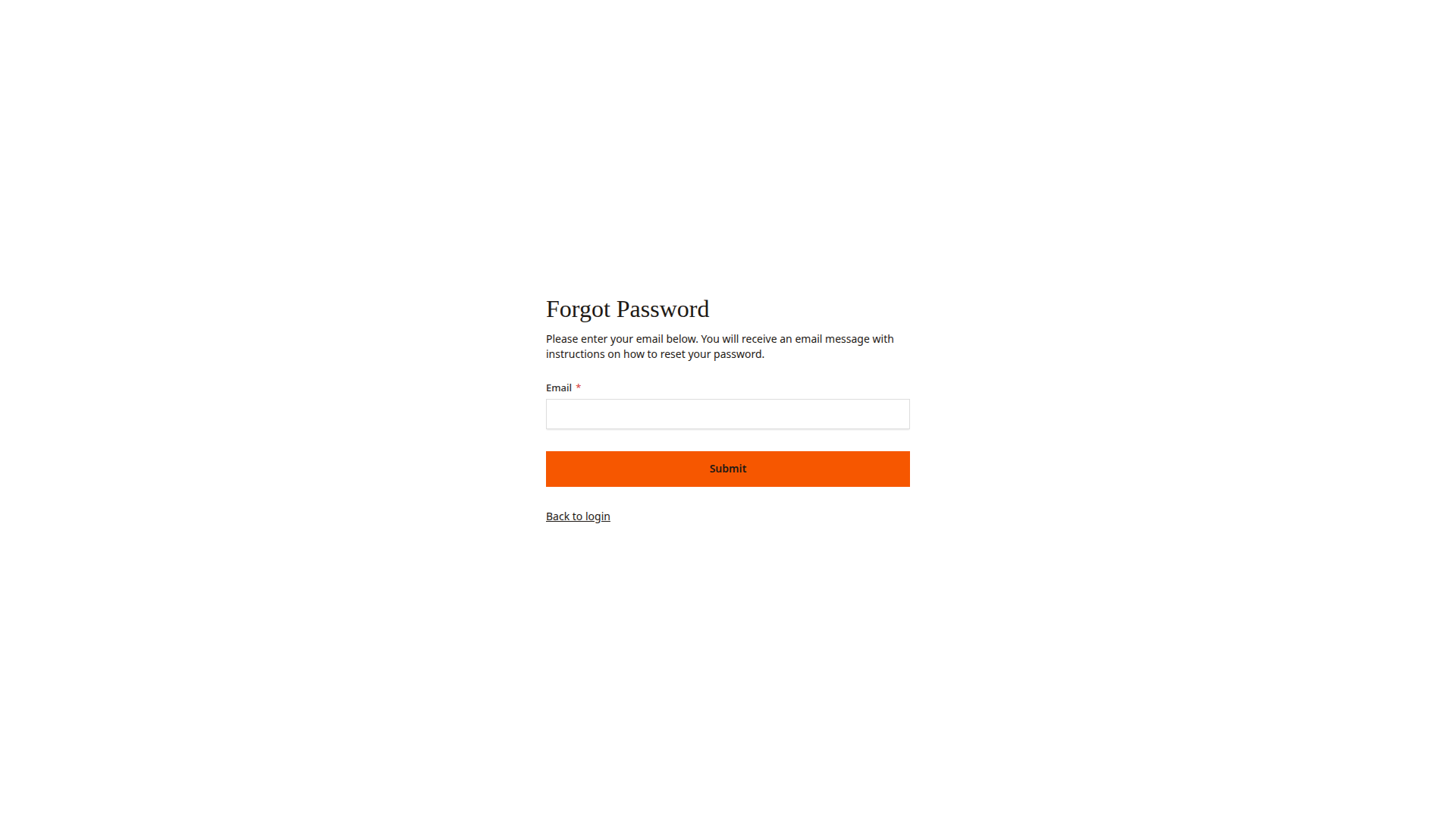
- On the sign-in page, click
Forgot password?. - Type your email address in
Email. - Click
Submit. - Open the email with the subject "Reset your El Roy's admin password".
- Click
Reset passwordin the email. - Type a new password in
New Passwordand again inConfirm Password. - Click
Reset Password.
Good to know
- The reset link works for 1 hour. If the link stops working, start again from
Forgot password?. - If the email does not arrive, check your spam folder.
- If you did not ask for a reset, ignore the email. Your password stays the same.
- To get a sign-in, ask a teammate to add you. Manage people shows how.