Store
Settings
Set checkout category order and hide unavailable pickup times.
Settings applies to every location at once.
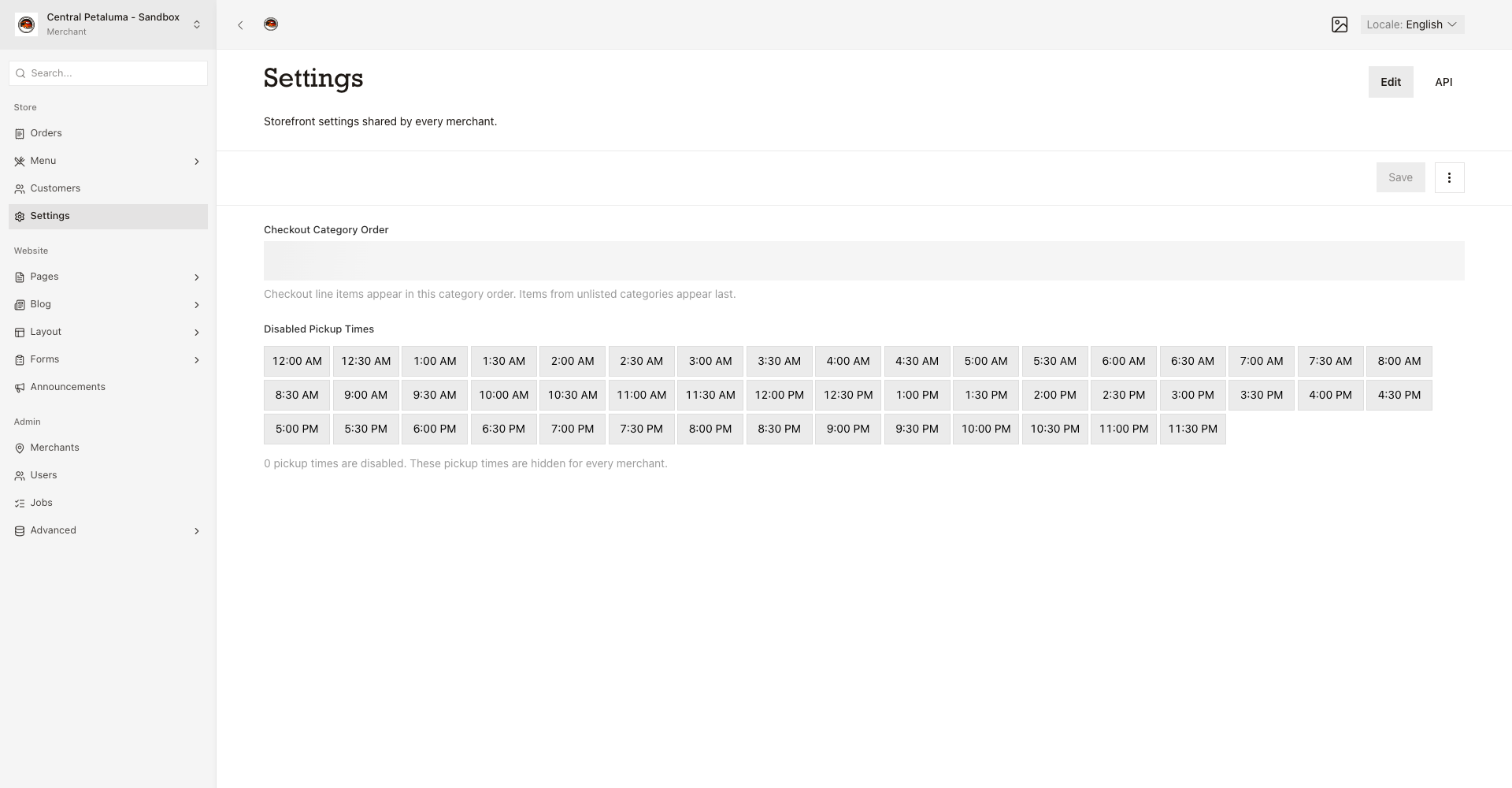
Set the checkout order of categories
- Open
Store > Settings. - Arrange
Checkout Category Order. - Choose
Save.
Checkout groups the order lines in this order, and any category you leave out goes last.
Hide pickup times
- Choose each slot the kitchen cannot cover in
Disabled Pickup Times. - Choose
Save.
The website hides those slots at every location. The count shows how many you hid. Choosing a hidden slot again opens it after you save.