

Website
Announcements
Show site-wide and location-specific messages on the website.
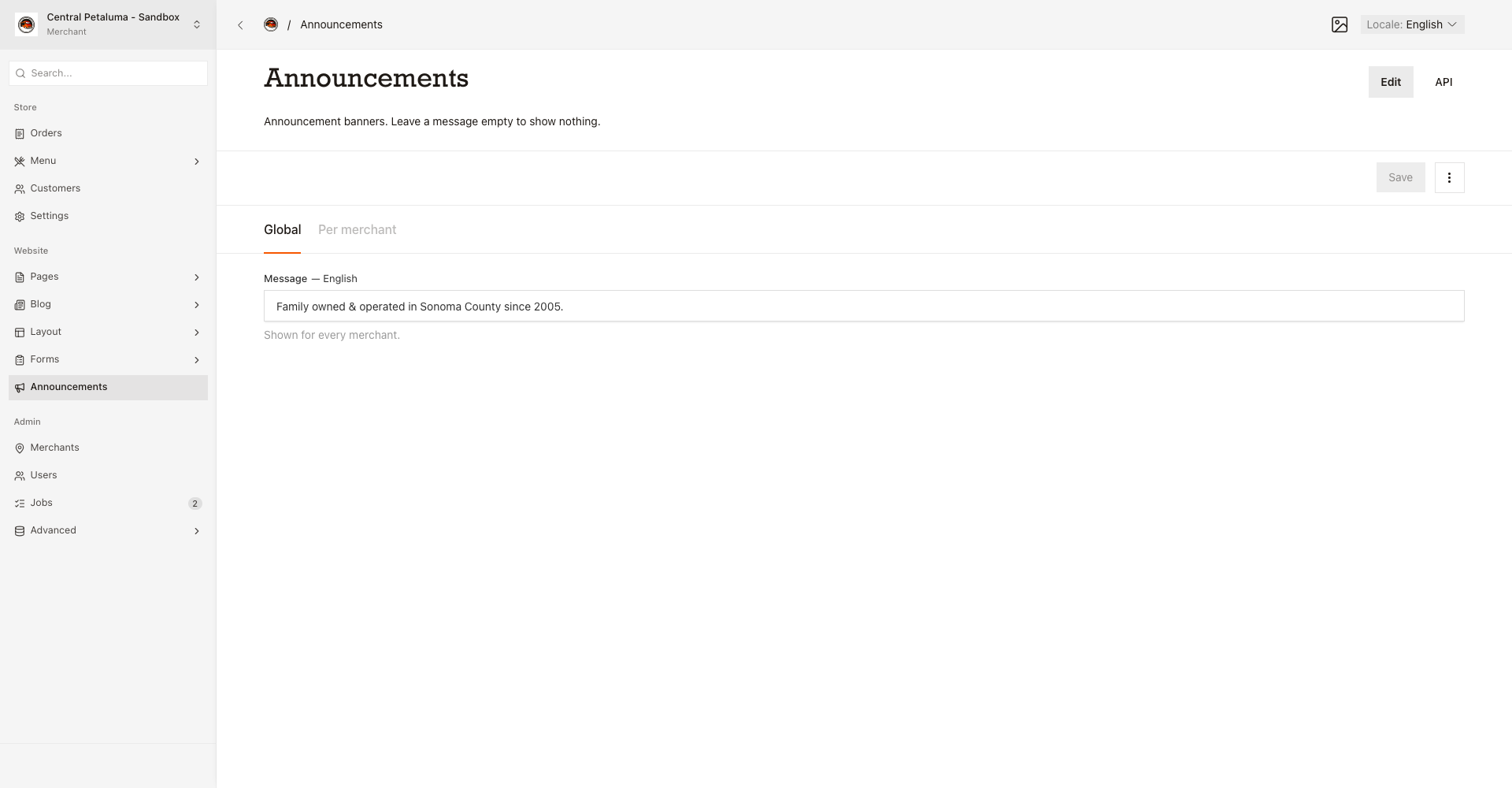
An announcement is a short message that appears across the website. You can show one message for the whole site, and one message for each location.
Show a message everywhere
- Open
Website > Announcements. - Use
Global. - Write the message. Use the
Localeswitch for Spanish text. - Choose
Save.
Show a message for one location
- Open
Website > Announcements. - Use
Per merchant. - Choose the location.
- Write the message. Use the
Localeswitch for Spanish text. - Choose
Save.
You can add one message per location. When you have both a global message and a location message, the website rotates between them.
Check the result
- Open the website with no location chosen in the switcher. You see the global message.
- Open the website with the location chosen in the switcher. You see the location message.
There is no preview, so Save changes the public site at once.
Good to know
An empty Global message shows no banner. When a visitor dismisses a message, it stays hidden in that browser for 30 days. If you change the message text, it can show again.